Find your next Valheim answer
Where should you sail? What will that creature drop? What should you craft next? The maps, game data and planners at thevalheim.wiki help you prepare before you leave camp.

Realtime Map from seed
Bring your running Valheim world to our browser map.
- Keep your bearings
- Follow your position and heading on the map while you play.
- Make the next trip count
- Search from where you stand. Nearby places come first, ordered by distance.
- Bring a destination back
- Pick a place, resource, portal or pin. Track it with a personal in-game ping and its distance.
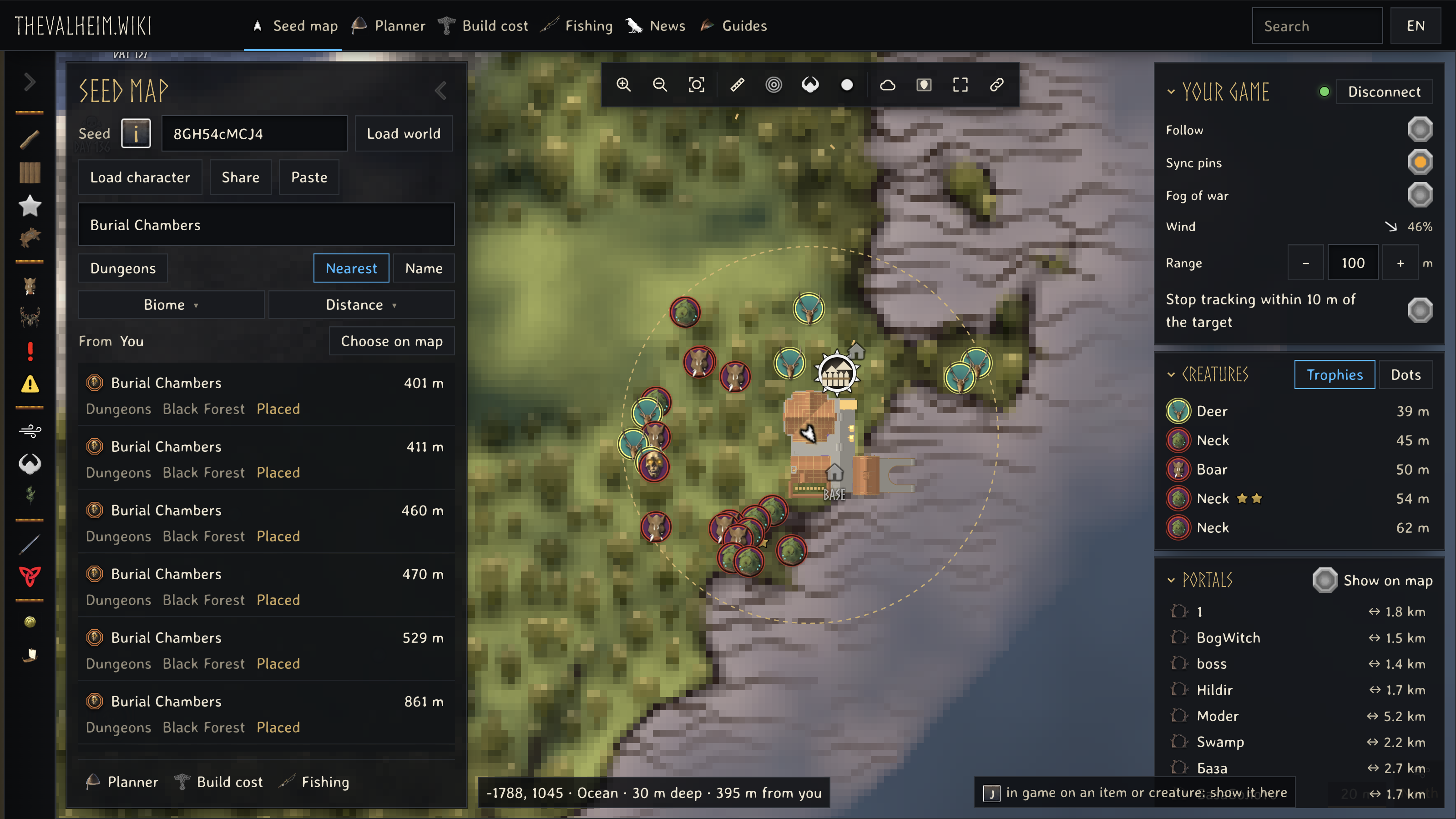
Portal connections are on the map too: select a pair to see both ends.
Nearby creatures include their stars, within the area your game has loaded. Other players appear when they share their position.

Mac setup
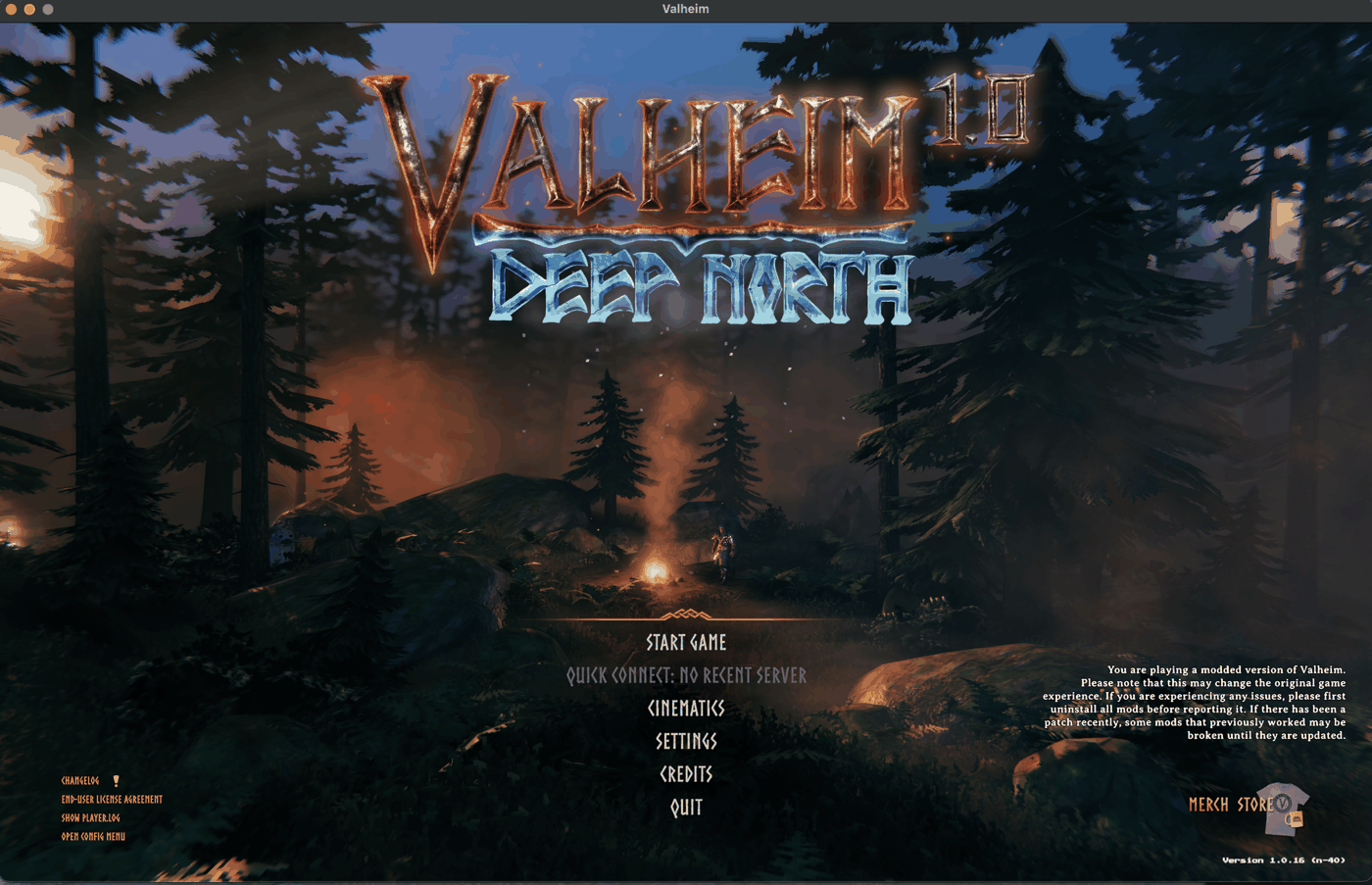
Use thevalheim.wiki beside your game on Apple Silicon.
Our Mac guide takes you from installing the required BepInEx 5 loader to adding Realtime Map from seed and connecting your game to our map.
Follow the Steam launch steps, enter your world and choose Connect game on the map. Start with the guide when setting this up for the first time.

Mac setup is a preview. This download still needs its full installation check; Intel Macs have not been verified.
Prepare before you leave camp
-
Know what you will fight
Check attacks, damage types and star levels before choosing a weapon. The Valheim Troll guide brings its weaknesses and drops together.
-
Choose food and gear together
Try equipment quality and three foods before spending materials. The Valheim food and gear planner shows the combined health, stamina and armour of your choices.
-
Gather for the whole build
Add the pieces and quantities you want to make. The Valheim build cost calculator combines their materials into one gathering list.
Open thevalheim.wiki for the map, game answers and plans you need for your next session.